Food safetyTemperature monitoring
Managing temperature checks across several refrigerators
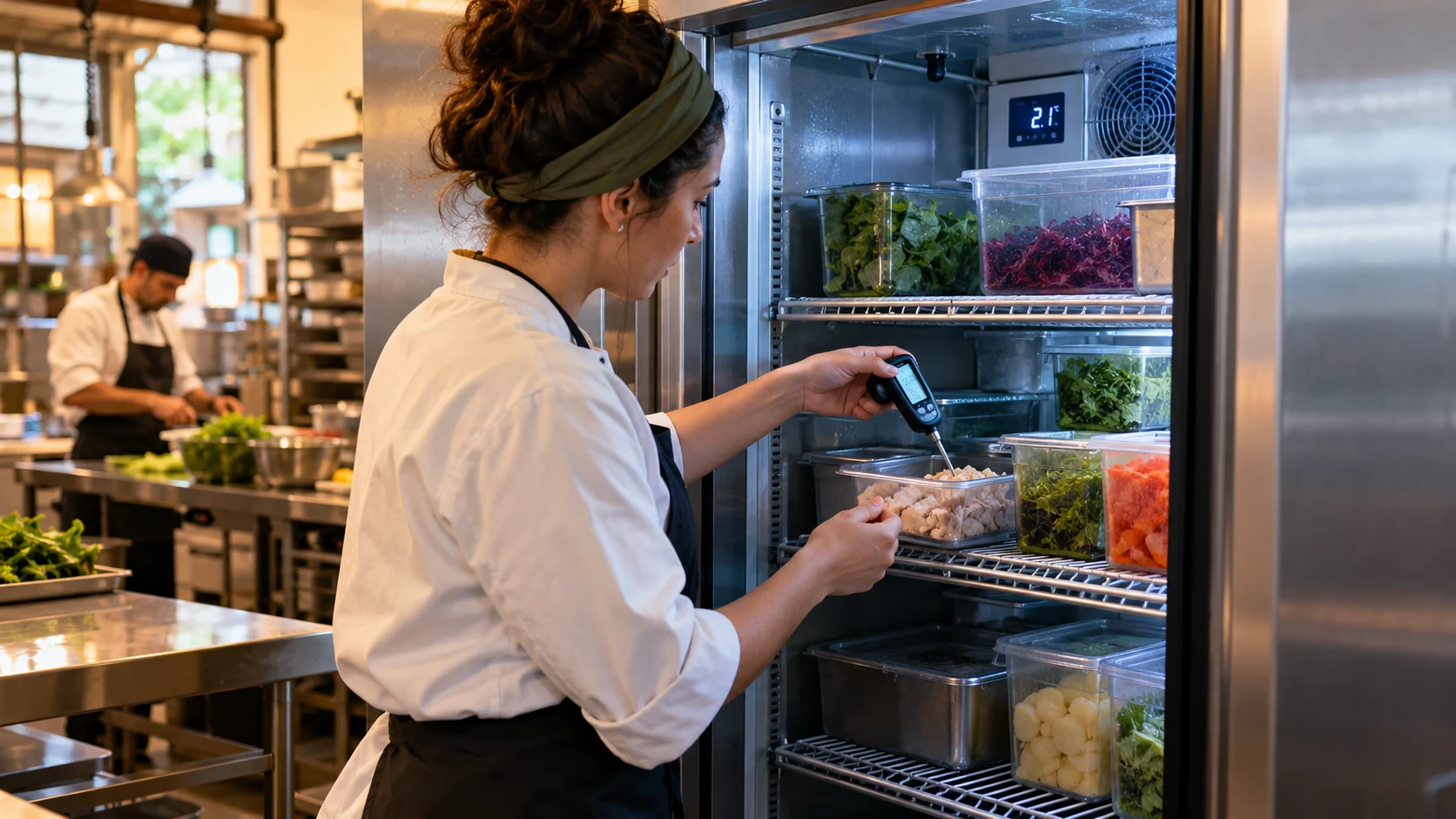
A multi-fridge checklist needs a separate stable equipment identifier for every result. Grouping a shift into one pass or fail hides which unit was checked, which was missed and which result needs an individual response.
At a glance
A multi-fridge checklist needs a separate stable equipment identifier for every result. Grouping a shift into one pass or fail hides which unit was checked, which was missed and which result needs an individual response.
Define the decision behind the record
Group equipment by the route staff actually walk, while keeping each unit identifiable. Do not use row position as its identity: adding or removing a refrigerator should not relabel the historical readings of another unit.
Make equipment-level gaps visible in the daily review
Create a stable equipment register before scheduling checks. For each refrigerator, identify location, required checkpoints, approved method and the accountable role. Resolve duplicate names such as ‘back fridge’ before combining several rooms or sites into one form; two different assets should not share an ambiguous identity.
Record each required observation against the actual equipment and checkpoint. Keep unavailable equipment, missed checks and deviations distinct. When a refrigerator is replaced, retain its historical identity and document when the new asset enters the routine rather than relabelling all previous readings with the new name.
Review missing observations by asset before interpreting site completion percentages. Include open follow-up and product decisions, not just whether fields were submitted. Test the checklist with one deliberately omitted equipment row and one overdue recheck. Both should remain visible even when most observations were completed correctly and the overall completion figure looks high.
Worked example
A site replaces its preparation-room refrigerator. The old unit is retired in the register and the replacement receives a new identity. Staff see the new unit on the route, while previous records remain attached to the retired equipment.
Build a usable record
Use the fields below to capture the facts needed for this particular decision. Keep the actual observation separate from any later correction or approval.
- Equipment identifier and location
- Scheduled check or route
- Actual result, time and operator
- Missed or inaccessible equipment
- Equipment changes and exceptions
Example record and review decision
Fictional record example: COLD-01 and COLD-02: separate scheduled checks, actual values and operators; COLD-02 / MISS-01: omitted opening observation.
Review completion by equipment and required checkpoint. A site-wide percentage should not hide an unmeasured refrigerator.
Do not copy one reading into several equipment rows because they share a room or use the same display type.
Test the review, not just the form
Add a test unit and retire another. Export last month and confirm that equipment labels still describe the units that existed then. A manager should see missing checks by equipment, without manually comparing several spreadsheets.
A few useful answers
Can two refrigerators share one result?
Keep separate observations unless your approved procedure explicitly establishes a different monitoring arrangement.
Can several refrigerators share one observation row?
A common form can hold multiple assets, but each required observation needs an unambiguous equipment identity. Do not reuse one asset’s reading for others or let a shared room name hide which refrigerator was actually checked.
Sources and further reading
MarkdownExplore starter templates
Start with a useful checklist
English