Food safetyHACCP records
Digital HACCP records: build a temperature log your team can actually use
What to put in a digital temperature log, how to record exceptions and how to evaluate HACCP software using a real shift.
At a glance
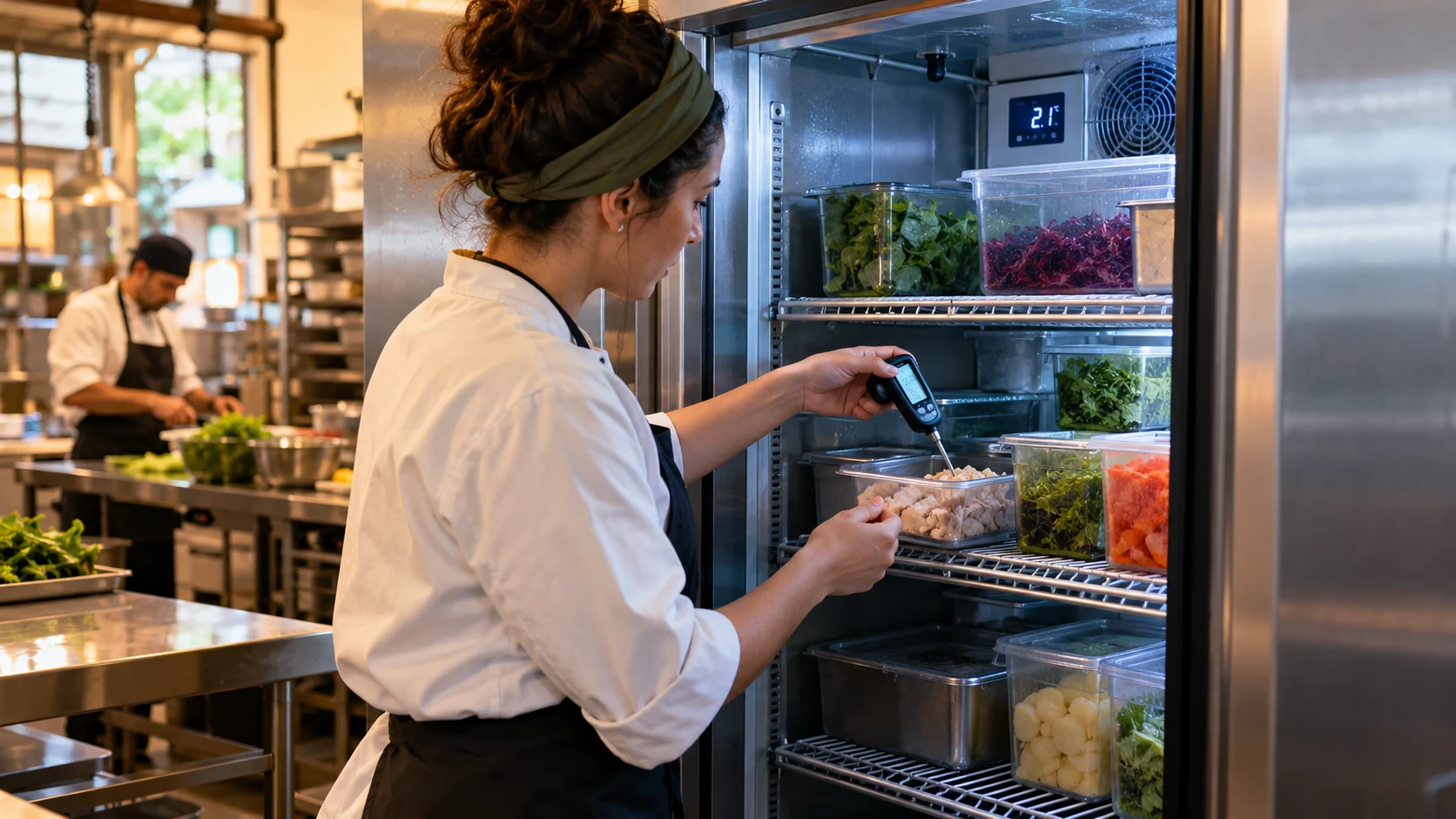
A useful digital temperature log records the equipment or food checked, the time, operator, measured result and applicable limit. When a result falls outside the approved range, the record should also explain the action, follow-up measurement and release decision.
What a HACCP temperature log should prove
A HACCP temperature log is a monitoring record tied to a defined control. Its purpose is to show what was measured, how the result was interpreted and what happened next. It is different from a food safety plan, which explains the hazards, controls and decision rules. A downloaded sheet becomes useful only after those rules are connected to the actual equipment, food and process.
The Codex General Principles of Food Hygiene distinguishes monitoring, corrective action and verification. For this guide, that means separating the original observation from the response and the later review. Our equipment codes and worksheet are editorial examples; the linked Codex document is the reference for the underlying principles.
Codex Alimentarius · CXC 1-1969 / General Principles of Food Hygiene
Start with your approved process
Before choosing an app, map one routine from start to finish: who checks, where the limit comes from, and who responds to an exception. A refrigerator check, cooking check and cooling check answer different questions. Do not put them into an undifferentiated list.
Codex includes HACCP guidance in its General Principles of Food Hygiene. The sample workflow below is our practical example, not a prescribed form.
Give every result enough context
A number without an equipment identifier or time is difficult to investigate later. Use stable equipment names. Distinguish a device display from an independent measurement and record the method required by your procedure.
- Identify the site, equipment or food batch.
- Record date, time, operator, result and unit.
- Reference the approved limit and procedure version.
- Record exceptions, action owner and follow-up result.
- Keep the original entry and make later corrections identifiable.
Worked example: an opening-shift exception
Suppose an opening check is outside your site's approved range. The operator records the actual result, identifies the affected stock and follows the site's escalation procedure. A supervisor records the decision and the follow-up check. This example deliberately gives no universal temperature limit or instruction to release food.
Link the delivery record and batch reference when stock is affected. That creates a bridge between daily food safety checks and traceability, rather than leaving two unrelated spreadsheets.
Evaluate software with one real shift
Ask a colleague to complete the form on their usual phone, including an exception. Check whether a reviewer can understand the history, find an attachment and export the record. If offline working matters, test saving and synchronisation under real conditions before relying on it.
Start with the fridge and freezer template, then compare it with your approved process. Assess permissions, correction history, exports and staff training as carefully as the screen design.
Example: a record row and the decision it supports
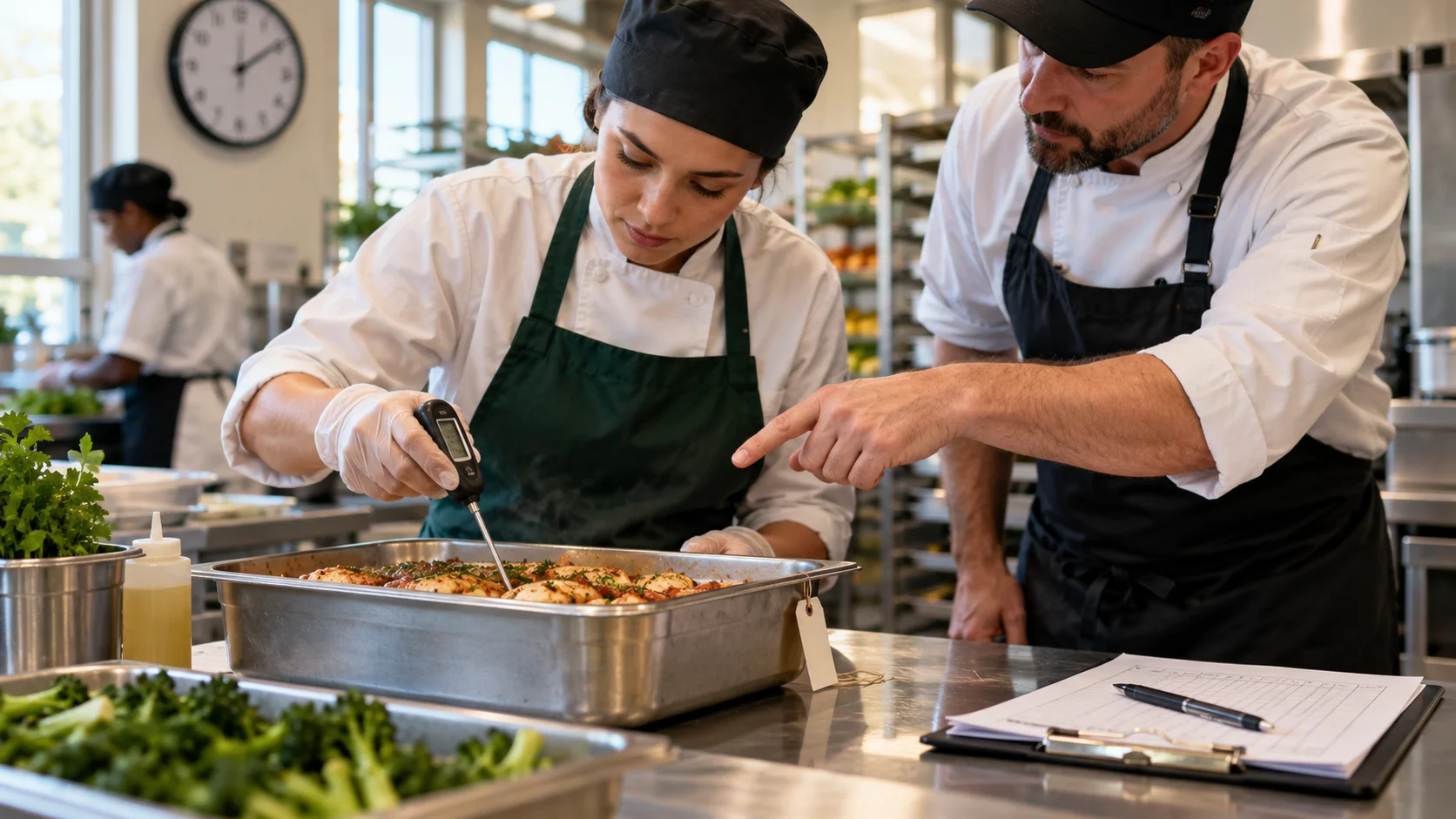
Use this fictional structure: COLD-01 | event date and time | actual value in °C | method and probe | approved criterion and procedure version | operator. Keep cabinet air, food and cooking observations distinct. The record identifies which method was used; it does not establish a universal limit or make different measurement subjects interchangeable.
If the value deviates from the approved criterion, connect ACT-01 to the original observation. Identify potentially affected stock, the required immediate response, the authorised product decision and the next review. Record the actual result of the follow-up separately. A later normal equipment reading does not replace the original evidence or explain an undocumented period.
Keep missing observations and corrections visible
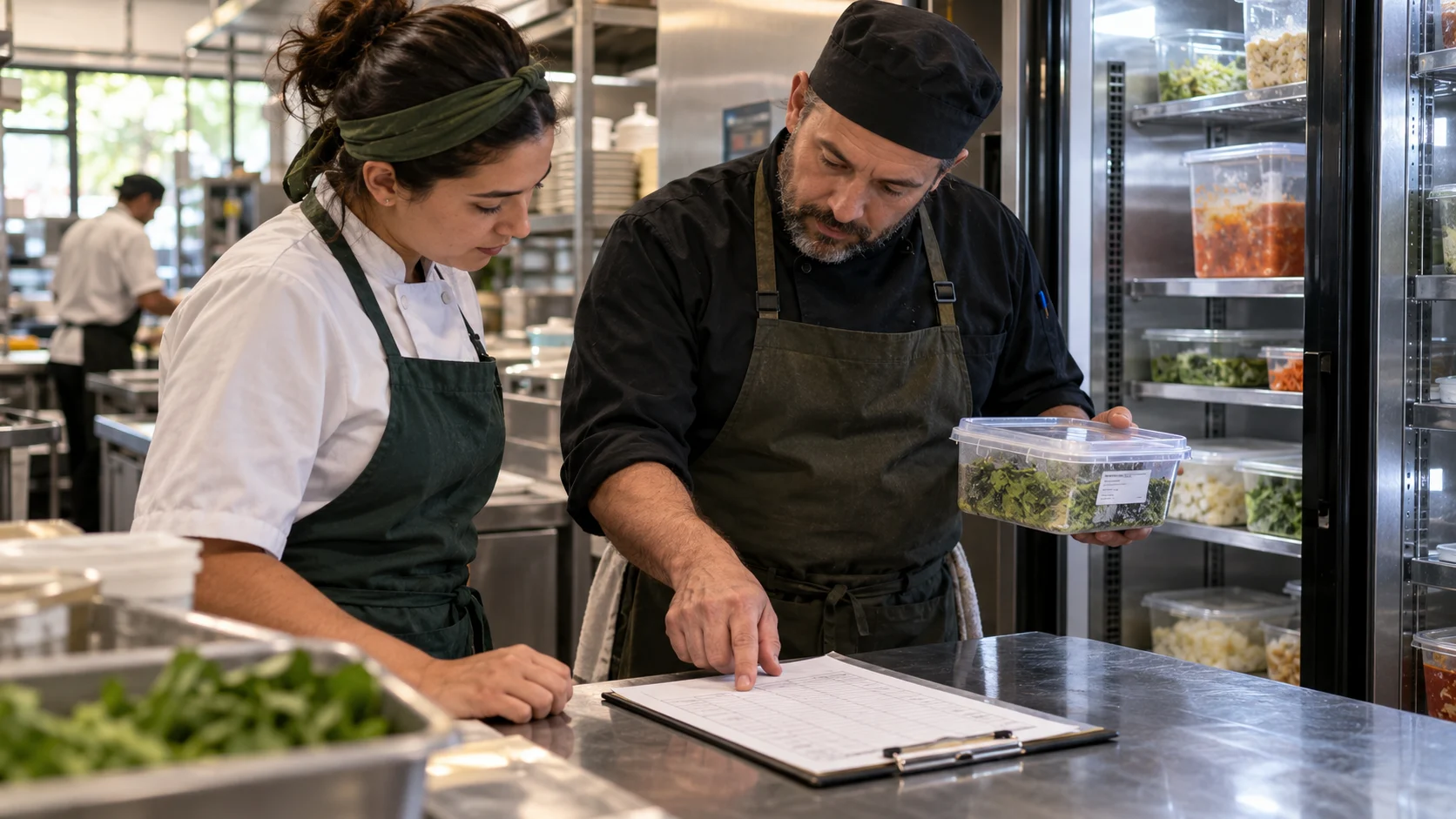
During handover, review missed checks, open deviations and outstanding product decisions with the incoming owner. When a measurement was not performed, record that fact and its explanation. Distinguish the actual event time from the time of later entry. Preserve the first value, correction reason, author and timestamp when an error is amended.
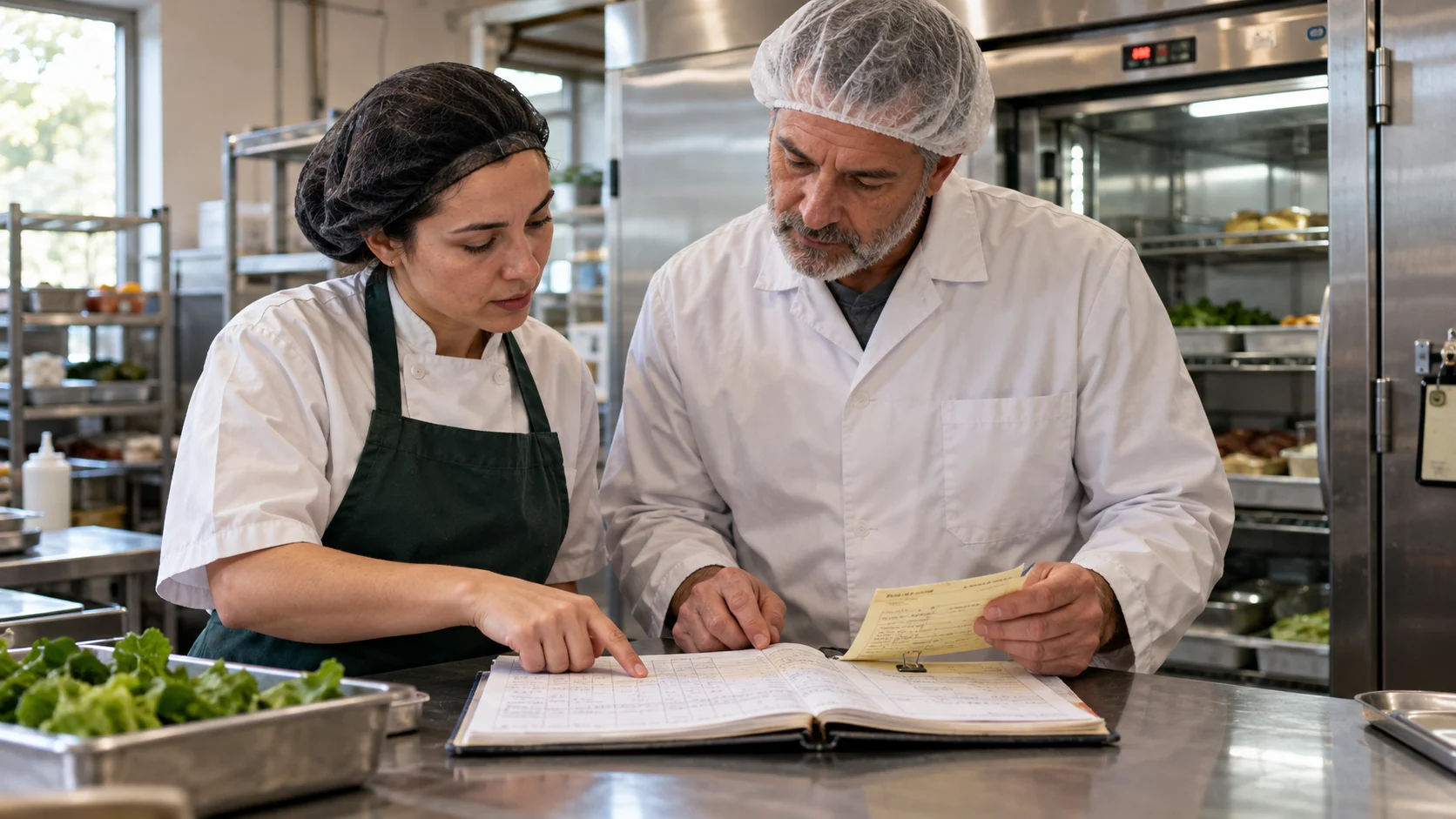
Test an ordinary reading, an exception and offline entry using the actual devices. Then ask a reviewer to reconstruct the sequence from the export without asking the operator. Check for duplicate synchronised entries, changed equipment names and hidden open actions. Fix those gaps before treating a completion dashboard as reliable evidence.
Set up the log before the first shift
Start with an equipment register: stable identifier, location, measurement method and responsible role. Assign a distinct record when the subject changes from cabinet air to a particular food batch. Put the applicable approved criterion beside the entry so the operator does not need to remember which version applies. Also identify the backup contact when the usual supervisor is absent.
Define when a check is due using the site procedure, including how the team handles opening, service, shutdown and handovers. A daily page is only a layout choice; it does not establish the correct monitoring frequency. Run through one missed check and one deviation before launch, because those cases reveal missing ownership more quickly than a normal reading.
Choose between paper, a spreadsheet and an app
Compare tools using the same complete shift record rather than screenshots of their dashboards. Each option must preserve the observation, its context and the unresolved work.
Paper and spreadsheet records
Paper can be workable when equipment identifiers and correction rules are consistent and completed sheets remain retrievable. A spreadsheet adds filtering and calculations, but needs protected definitions, controlled access and a clear way to retain changes. Decide who keeps the authoritative copy and how colleagues avoid editing different versions.
Digital forms and connected sensors
A digital form is helpful when it makes missing entries, follow-up and exports easier to review. Test permissions, offline behaviour and retrieval on the actual devices. Sensors introduce separate questions about measurement location, data gaps and equipment status. Automatic readings still need a defined interpretation and response; an integration demo does not establish the safety of food.
Temperature record worksheet
Fictional worked example — replace before use
| Equipment | Actual value / unit | Event time | Method / probe | Approved criterion / procedure | Response / product decision | Owner / follow-up |
|---|---|---|---|---|---|---|
| COLD-01 | ___ °C | ___ | PROBE-01 | PROC-01 / v2 | ACT-01 | ___ |
Blank rows for your records
Download the editable worksheet (CSV) ↓A few useful answers
Does a digital log make us HACCP certified?
No. A record-keeping tool supports your procedures; it does not validate the HACCP plan, certify the business or establish legal compliance.
Do we need connected temperature probes?
A manual measurement can be recorded digitally. For automatic capture, verify the exact probe, phone, connection method and supported integration before buying equipment.
Sources and further reading
MarkdownExplore starter templates
Start with a useful checklist
English