Manage workplace and food safety with clear tasks, daily checks and photo evidence. Give operators a clear next step and keep managers ready for the next review or inspection.
Your whole team. A clearer picture.From the floor to the people running the business.
MEET PIP, YOUR FIELD COMPANION
A little help. A better everyday.
FREE TEMPLATES. A PRACTICAL START.
Know the requirement. Build the routine.
A food safety plan, a workplace risk assessment, a cleaning SOP. Start with useful documents, then turn them into the checks and records your team uses every day.
Nine operational packs, with scoped official references. Adapt each starter to your site and applicable requirements. Pack documents are currently in English.
FOR RESTAURANTS, CAFÉS & FOOD TEAMS AI PROCUREMENT · BETA
Protect your food margin. Before the next order.
Every extra case, expired batch and unexplained cost difference takes money out of a service. Put demand, purchasing and usable stock together so your next order has a clear reason behind it.
Know what to buy. See what may go to waste. Understand where your food margin is going.
Use sales history, available weather and your team’s adjustments to plan the next 14 days. Suggested quantities account for stock, deliveries, shelf life and supplier pack sizes.
Make over-ordering and shortages visible before you approve.
Act on stock before it expires
See expiry risk, receive the quantity that actually arrived, and record use or waste by batch. Expired and quarantined stock stays out of usable inventory.
Give the team a clear reason to change the next purchase.
Find the food-cost gaps worth investigating
Compare recorded food costs with what your recipes and sales imply. Review waste, ingredient usage and supplier invoice differences to decide where to investigate first.
Connect the margin number to records your team can check.
THE VALUE OF A FOOD-COST POINT
Small cost changes. Meaningful money.
At €50,000 in monthly food sales, moving food cost from 32% to 31% leaves €500 more gross profit each month, with sales unchanged.
Try your own assumptions. This illustrates the maths; it is not a forecast of Kivloo savings. Labour, overheads and software costs are excluded.
Example: 32% to 31% is 1 percentage point.
Food safety belongs in the buying decision
Work with approved suppliers and stock that is in date and released for use. Keep food-cost decisions alongside your food-safety routines in Kivloo.
Keep the records moving from the floor
Create and approve purchase drafts, receive partial deliveries, log use or waste, and review food margins in the mobile app. Your team works from the same site records.
What’s included in the beta?
Procurement requires a connected workspace and internet access. Set up items, supplier offers, recipes and integrations on the web. Invoice reconciliation and AI document scanning are web workflows. Approval is internal; send purchase orders to suppliers separately.
Forecasts depend on the history and context available. Margin reports cover completed days and depend on complete sales, costs and stock records. Gross margin excludes labour and overheads. Cost differences are investigation amounts, not proven savings.
Easy to use on the floor. Useful to the people leading it. Give owners, managers and operators a shared picture of the work.
For owners
01 / OWNERS
A clearer view of your business.
Bring your sites and inspection records into one workspace. Review the evidence behind your standards and feel better prepared when someone asks to see it.
Site context together
Records ready to review
Confidence beyond the daily shift
For managers
02 / MANAGERS
Less chasing. More understanding.
Review inspection status, open the detail and see what was observed. Use the records to guide a conversation with your team and decide what needs attention.
Inspection status at a glance
Answers and evidence together
Context for the next conversation
For operators
03 / OPERATORS
A simple check. Back to the work.
Follow clear questions on your phone. Add an answer, a note or a photo where it matters, with prepared work saved locally when the connection drops.
Clear steps on a phone
Photos beside the observation
Less paperwork during the shift
Illustrative teams · Explore the full product with a 3-day free trial.
WHEN THE INSPECTOR ASKS
Take a breath. Show the record.
The check. The person. The date. The evidence. Bring the details together, so an inspection starts with a clear record instead of a scramble for paperwork.
THE RECORD ROOMInteractive example · sample records
01 / FIND THE CHECK
Paper chase? Sorted.
Try “kitchen”, a person’s name or a record ID.
3 records found
A little less searching. A little more peace of mind.
02 / OPEN THE EVIDENCE Completed example
EX-1042
Daily site walk
Northside workshop
Recorded by
Jamie Davis
Completed
16 Oct 2026 · 08:42
Checklist reference
Site walk · version 2
OBSERVATION
Are walkways and emergency exits clear?
Yes — clear and accessible
Illustrative photo
NOTE WITH THE RECORD
Opening walk completed before the morning shift. No obstructions observed.
What happened next?
No follow-up noted in this example.
A guided example of record retrieval. These are fictional records, not live site data or proof of compliance.
Clear enough to review.
Use consistent questions, required fields and your site’s own procedures.
Actual observations. Clear context.
Record real readings, notes and photos with the check they belong to.
Easier to put your hands on.
Search reports and narrow by date, template or status before opening the detail.
Built to support your compliance process. Your team defines the right checks, records accurate observations and reviews the evidence. A completed checklist is not a compliance certification.
FOR MANAGERS AND OWNERS, TOO
Close to your team. Clear on your sites.
Review the example as a manager or owner: filter by site, see inspection status and open the detail. Then try a check from your operator’s point of view.
WorkspaceOverview
PRODUCT PREVIEW
FRIDAY, 16 OCTOBER 2026 · SAMPLE DAY
A good day starts here.
A little clarity for everything ahead.
To work through03 Example inspections
Completed01Every check counts
Keep things movingOne check at a time.Your next step is right below
Your team’s work 4
INSPECTIONSTATUSTEAM
Made for the work. Built around your team.
An interactive look inside KivlooIllustrative workspace · Sample data
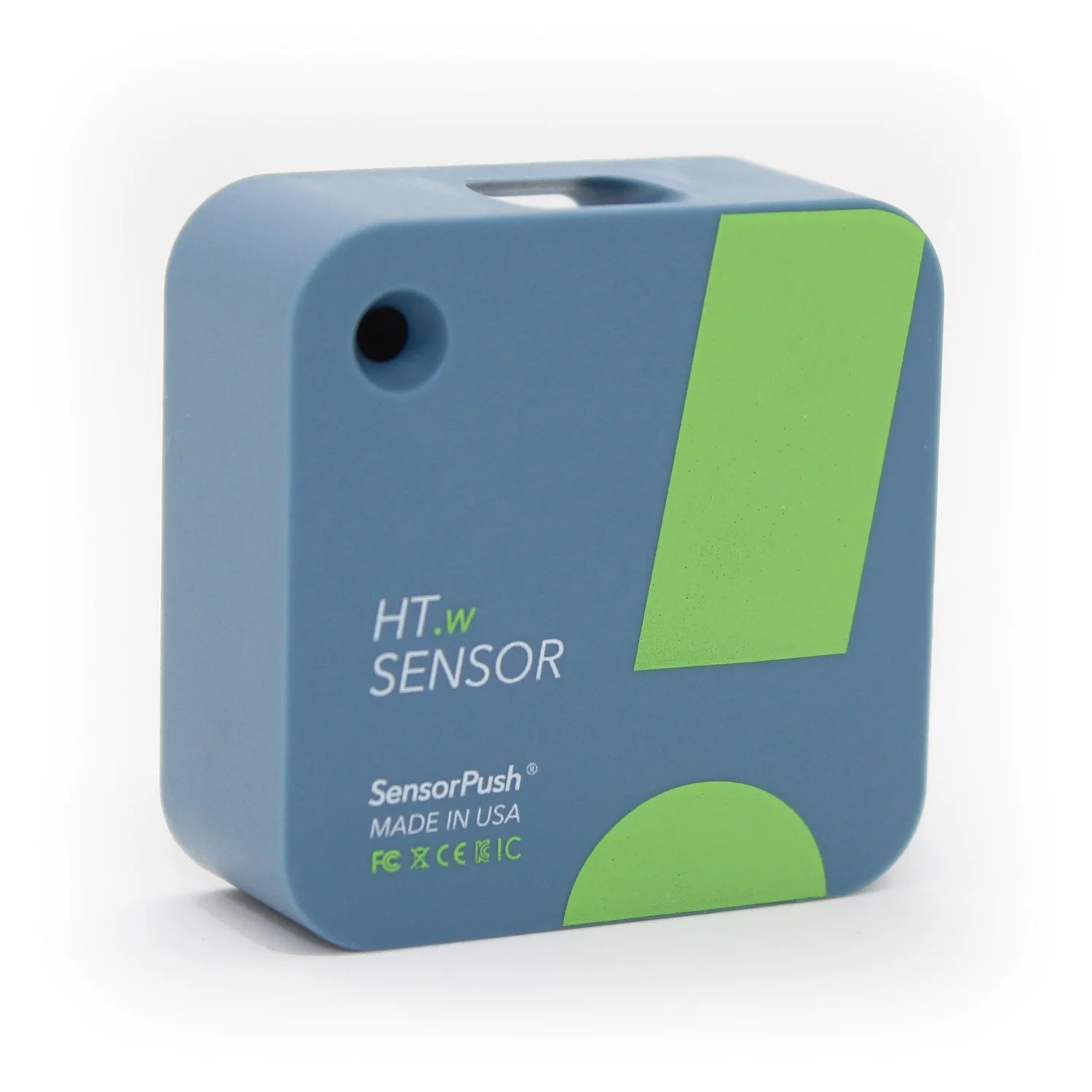
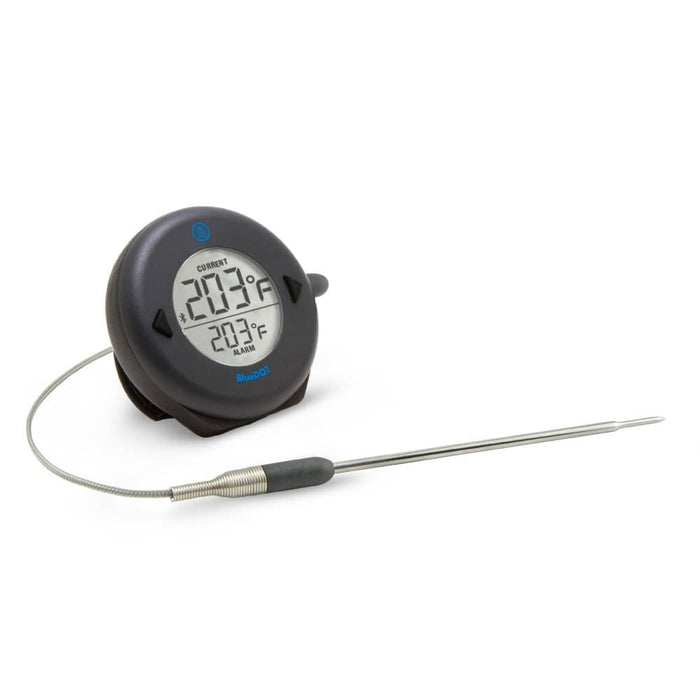
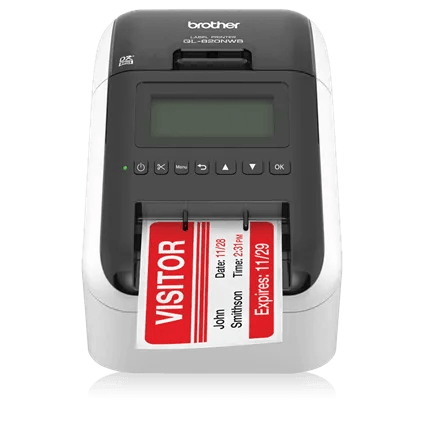
You don’t need a hardware bundle to get started. Run your daily checks on your phone, capture SensorPush readings and explore Brother mobile or Zebra desktop label printing.
Start with a 3-day free trial. Continue for $29 per site/month, with up to 10 users. The tools your team uses stay the same.
A LITTLE TIME TO TRY IT
3-day free trial
$0for 3 days
Put Kivloo to work with your team. Explore the full product for 3 days.
Full access for 3 days
Inspections, tasks and photo evidence
Offline saving and reports
Start my 3-day trial No credit card required. Choose a plan after your trial. ONE SIMPLE SITE PLAN
Kivloo Site
$29USD / site / month
Your everyday operations tools, without ads. Up to 10 users included at each site.
Up to 10 users per site
All product features, without advertising
One free site-month for every 5 referred signups
Choose your site plan Referred by a friend? Pay $14.50/site/month for your first 3 paid months, then $29.
FOR THE QUESTIONS THAT MATTER
Your team’s work. Worth protecting.
Account access. Workspace boundaries. A record of important changes. Explore our approach to security and get answers to your team’s specific requirements.
Is Kivloo for owners and managers as well as operators?
Yes. Operators get clear checks and a place for photos and notes. Managers can review inspection status and the detail behind each record. Owners can bring site context and evidence into the same workspace, helping them ask better questions and prepare for reviews or inspections. Explore the public examples to see each perspective.
Will Kivloo make my business compliant?
Kivloo helps you build consistent checks and keep evidence organised for review. Compliance also depends on your actual practices, applicable requirements and the accuracy of what your team records. Starter templates should be adapted to your site and approved procedures; completing a checklist does not certify compliance.
Can I find a record during an inspection?
The reports workspace includes search and filters for dates, template and status. Open a report to review its answers and attached evidence. Try the sample record room above to explore the idea without an account.
What do I get for free?
Try the full product with a 3-day free trial. After the trial, choose the $29/site/month plan for up to 10 users. Larger teams can get in touch.
Can I try it without creating an account?
Yes. Explore the sample workspace above or try a phone check on the features page. Every public checklist can also be previewed, printed and downloaded as an editable CSV without signing up.
Does my team need special hardware?
The web app works in a modern phone, tablet or desktop browser. Supported mobile browsers can open the camera from a photo field. Existing browser and device storage are used for prepared offline work.
What happens if the connection drops?
Prepare the report while online. Draft answers and photos save locally on the same browser and device. Uploads resume with a connection while the app is open or reopened; a closed browser cannot guarantee background uploads.
GOOD BUSINESS STARTS CLOSE TO HOME
Your next supplier could be next door.
A local butcher. An equipment specialist. The right maintenance team. Help useful businesses find the teams who need them.