KITCHEN EQUIPMENT, ON YOUR TERMS

Start with your phone.
Grow from there.

A simpler food safety routine starts with what you have. Explore fridge/freezer temperature gauges, probe thermometers, label printers and shared tablets as your kitchen grows.

No hardware purchase required Choose your own suppliers Keep ownership of your equipment
ALREADY HAVE HARDWARE?

Your hardware. Connected within 48 hours.

Have a handheld probe, temperature gauge, label printer, camera or other workplace equipment you’d like to connect? Send us the brand, exact model and what you want to automate. If technically possible, we guarantee implementation within 48 hours.

The 48-hour window starts once we confirm technical feasibility and receive the documentation, access and hardware needed to implement and verify your integration.
Request an integration
Connect the equipment you have. SensorPush temperature capture, automatic cloud monitoring and Zebra desktop labels are implemented. A Brother mobile Wi-Fi adapter is also available in the native source. Exact device, browser and setup requirements apply; physical-device verification is pending. Try a hardware connection.
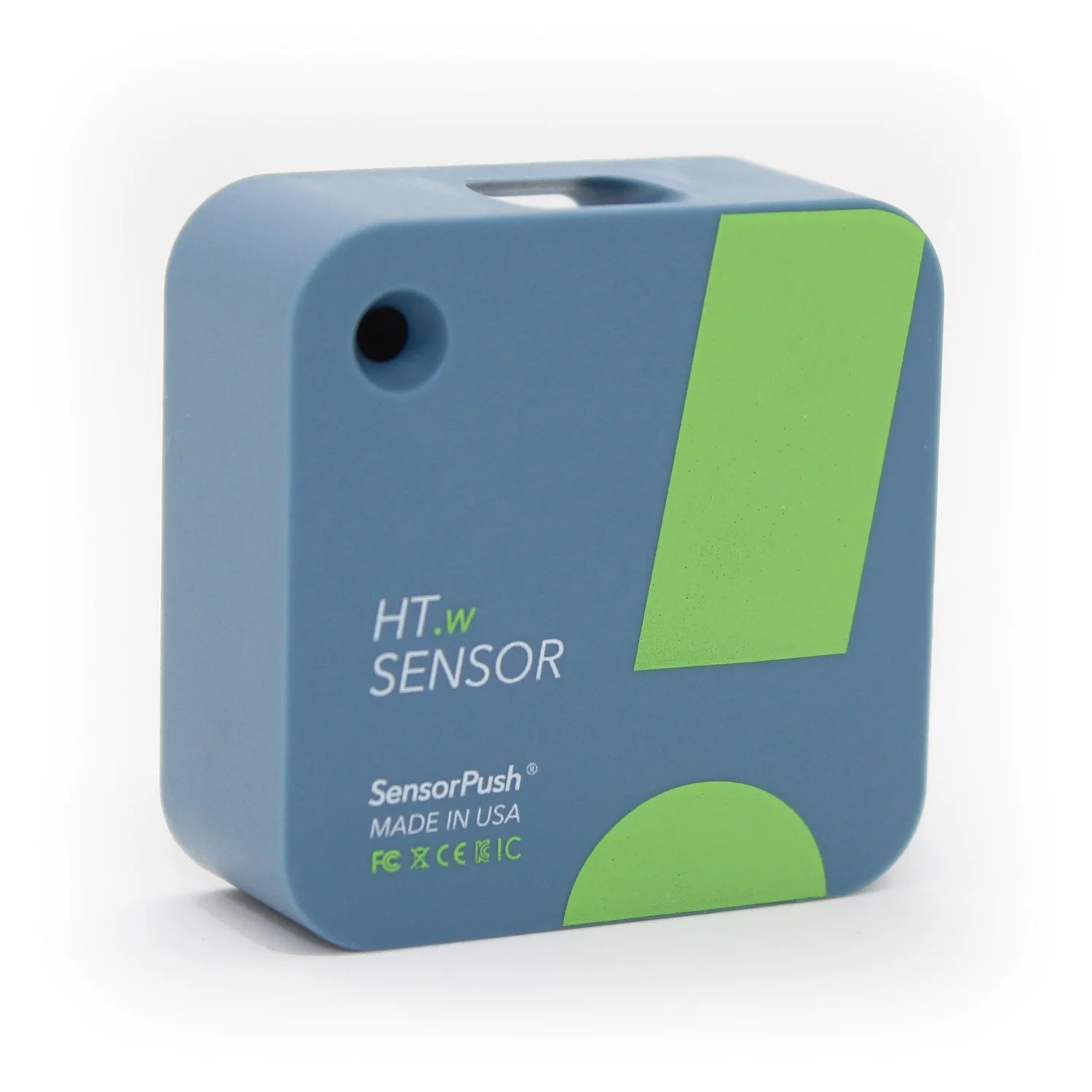
SensorPush HT.w temperature and humidity gauge
FRIDGE & FREEZER TEMPERATURE GAUGES

Bring the reading into the record.

Capture temperatures from SensorPush HT.w and HTP.xw gauges over Bluetooth, or monitor registered cloud gauges automatically after server setup.

SensorPush HT.w / HTP.xwAdapters implemented

Browser and native Bluetooth adapters plus cloud imports. Automatic monitoring requires backend setup. Native build and physical-device verification pending.

View manufacturer information (opens in a new tab)
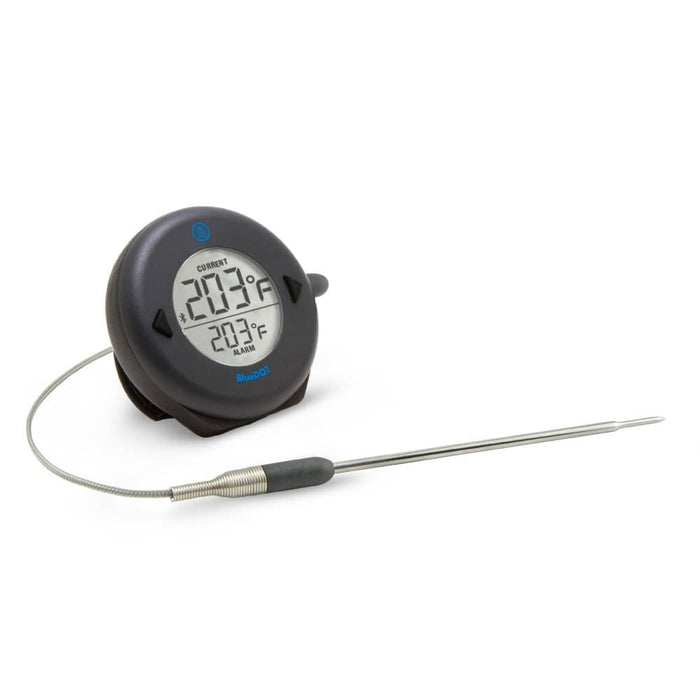
ThermoWorks BlueDOT thermometer with its wired temperature probe
TEMPERATURE CHECKS

Less writing. More checking.

Take a reading, keep a record. Our connected-equipment roadmap starts with bringing temperature readings into your daily checks.

ThermoWorks BlueDOTVendor SDK access required

Illustrative probe. This model is not supported by the SensorPush adapter; a suitable vendor SDK or protocol is needed.

View manufacturer information (opens in a new tab)
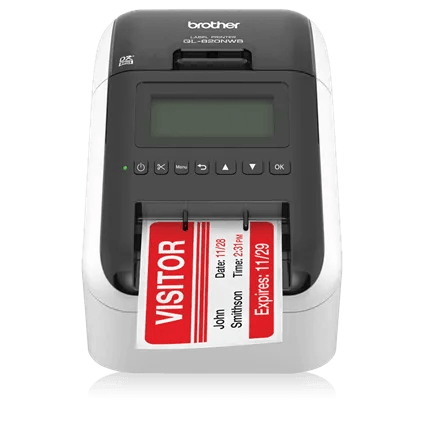
Brother QL-820NWB Wi-Fi label printer
LABEL PRINTING FROM YOUR PHONE

Kitchen labels. Straight from your phone.

Print preparation, use-by and batch labels from the native Kivloo app to a Brother QL-820NWB on the same Wi-Fi network, using a 62 mm continuous roll.

Brother QL-820NWBNative adapter added

iOS and Android Wi-Fi route. Native build and physical-device verification pending. Not the browser printing route.

View manufacturer information (opens in a new tab)
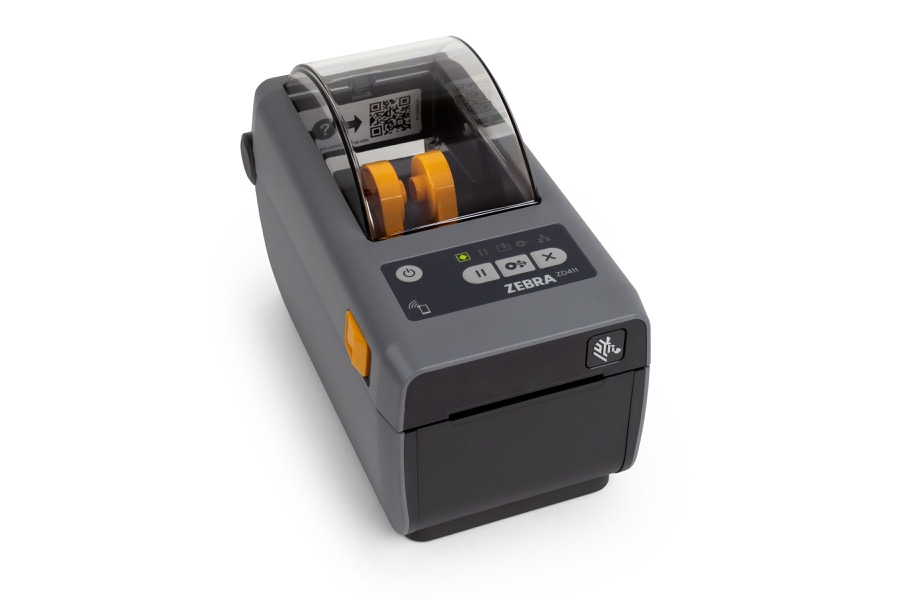
Zebra ZD411 desktop thermal label printer
DESKTOP LABEL PRINTING

A clearer label. A clearer kitchen.

Preparation dates, expiry dates and batch details, where your team needs them. Generate food labels and send them to a Zebra ZPL printer through Zebra Browser Print.

Zebra ZD411Printing implemented

50 × 40 mm ZPL labels through Zebra Browser Print. Local agent required; physical-device verification pending.

View manufacturer information (opens in a new tab)
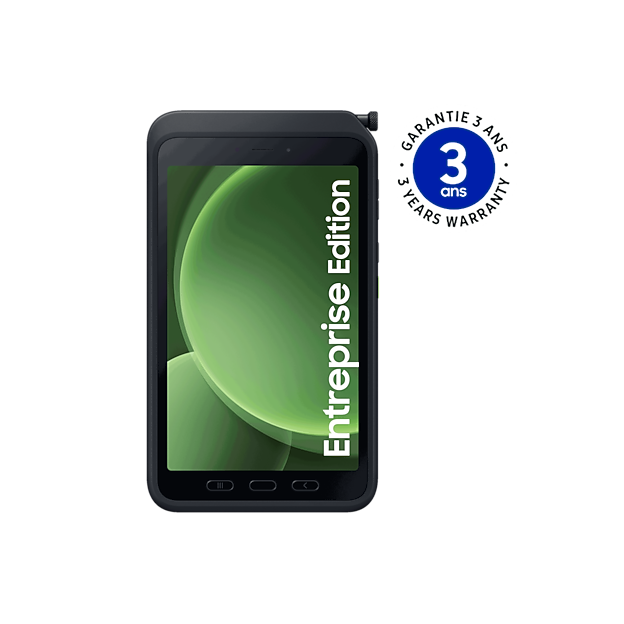
Samsung Galaxy Tab Active5 rugged tablet and stylus
SHARED KITCHEN TABLET

One place for the daily routine.

Prefer a dedicated station? Explore a shared tablet for your team’s checklists, photos and records, alongside the phones they already use.

Samsung Galaxy Tab Active5Device testing pending

Example of a rugged tablet. This model has not been tested with Kivloo.

View manufacturer information (opens in a new tab)

From a gauge reading to a clearer record.

Already have a fridge or freezer gauge? Record its readings manually in Kivloo today. For supported devices, use Bluetooth capture or on-demand cloud import in hardware setup. Keep your established continuous monitoring and alarms in place.

Product images: SensorPush, ThermoWorks, Brother, Zebra Technologies and Samsung. Product names and images belong to their respective owners. Examples are for illustration; no partnership or endorsement is implied.

BUILD YOUR ROUTINE, STEP BY STEP

A setup that fits.
At your pace.

01

The everyday essentials

Your phone, your existing thermometer and Kivloo. Record temperatures, complete checklists and capture photo evidence.

Start here · no new equipment needed
02

A dedicated kitchen station

Prefer a larger screen in one place? Plan a shared tablet for the kitchen, with a suitable stand and protection for your working environment.

Optional · check your device with us first
03

A more connected routine

Capture SensorPush temperatures and print Zebra labels. Choose direct Bluetooth capture or on-demand cloud imports to fit your routine.

Adapters implemented · check your exact device and platform
Request an integration for your hardware
BEFORE YOU BUY ANYTHING

A few practical
answers.

Do I need to buy equipment to use Kivloo?

No. Start your daily checks and photo records with your phone. A dedicated tablet, connected thermometer or label printer is optional.

Does Kivloo sell or ship the equipment?

No. You purchase equipment directly from a manufacturer or supplier. They handle payment, delivery, returns, warranties and hardware repairs. Hardware and consumables are separate from your Kivloo subscription.

Do the products shown already connect to Kivloo?

SensorPush Bluetooth and cloud adapters, automatic monitoring and Zebra desktop labels are implemented. A Brother QL-820NWB native Wi-Fi adapter has also been added for iOS and Android. Native build and physical-device verification are pending. ThermoWorks probe support needs vendor SDK access, and tablet model testing is pending. Check your exact device and platform before purchasing.

Can I keep the equipment I already own?

You can continue using your existing thermometer and enter readings manually. Use our SensorPush adapters or Zebra Browser Print route where your device and platform support them. Already own hardware? Request an integration with your brand, exact model and intended use. If technically possible, we guarantee implementation within 48 hours once feasibility is confirmed and the required documentation, access and test hardware are available.

How does the 48-hour integration guarantee work?

If technically possible, we guarantee implementation within 48 hours. The 48-hour window starts once we confirm technical feasibility and receive the documentation, access and hardware needed to implement and verify your integration. If a vendor restricts API or SDK access, or the device cannot support the requested workflow, we’ll explain the limitation before confirming feasibility.

What about continuous fridge and freezer monitoring?

After backend and scheduler setup, SensorPush Cloud gauges can be imported automatically every five minutes. Automatic renewal needs SensorPush application registration and a refresh token; otherwise reconnect when the token expires. Kivloo records in-app threshold and stale-device alerts. External emergency alarm delivery is not provided; keep existing alarms in place.

A better routine.
With the phone in your pocket.

Start with a temperature check, a checklist or a photo record. Your first useful result doesn’t need a hardware delivery.

Start your 3-day trial