Food traceabilityLabels and stock
Testing a label printer for kitchen workflows before buying it
Test the exact printer model, phone or tablet, connection and label material with the intended workflow. A manufacturer’s mobile-printing capability does not by itself establish that a particular application can send the required labels correctly.
At a glance
Test the exact printer model, phone or tablet, connection and label material with the intended workflow. A manufacturer’s mobile-printing capability does not by itself establish that a particular application can send the required labels correctly.
Define the decision behind the record
Separate manual print workflows from supported direct integrations. Identify how the label is created and how data reaches the printer. Marketing photographs and a Bluetooth logo are not substitutes for a successful test with the exact configuration.
Test the intended equipment and workflow before purchase
Define the actual printer model, label material, device, application version, connection and operating environment to be tested. Agree the required label content, legibility and record lookup. A demonstration with a different device or material is evidence about that configuration, not automatic confirmation of the one you intend to use.
Use sample identities to test ordinary printing, permitted reprints, connection loss and restoration. Check that the printed label retrieves the intended record and that a repeated print does not create an unintended new product or batch identity. Record the actual conditions and observed failures.
Review results against the agreed workflow and unresolved limitations before deciding. Test the people and devices that will be used in practice, including any relevant permissions. Keep compatibility or durability claims tied to the tested evidence and the supplier’s supported specifications rather than generalising from a single successful label.
Worked example
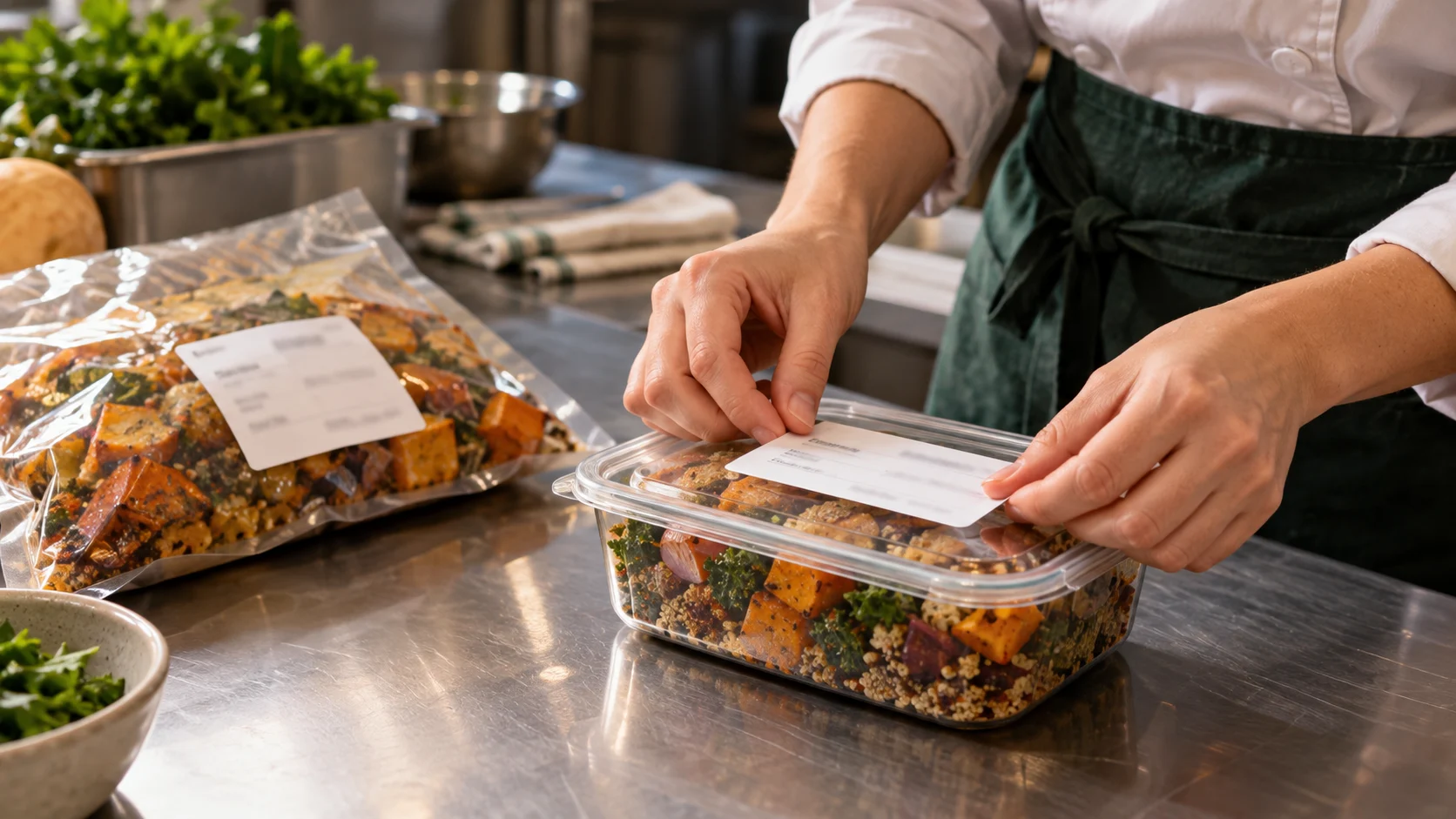
A buyer trials a printer using representative labels and the intended device. They test reconnection, non-Latin characters and a corrected batch reference. The outcome is recorded per configuration rather than promoted as compatibility for every model in the brand.
Build a usable record
Use the fields below to capture the facts needed for this particular decision. Keep the actual observation separate from any later correction or approval.
- Exact printer and firmware
- Device and operating system
- Connection and application workflow
- Label size and material
- Print, reconnect and readability results
Example record and review decision
Fictional record example: TEST-01: exact printer, label stock, app/device version, connection and sample lot; TEST-02: duplicate, reconnect and reprint cases.
Test legibility, record lookup and permitted reprints in the actual handling conditions using supported equipment.
A successful demonstration on a different phone or label material does not confirm the intended setup will work.
Test the review, not just the form
Ask the operator to repeat the test without technical assistance. Check Arabic and Chinese output if those labels will be used. Distinguish demonstrated compatibility from a proposed integration and avoid buying unsupported hardware on an assumed brand relationship.
A few useful answers
Does mobile support mean it works directly with Kivloo?
No. Verify the exact supported workflow and configuration before relying on direct printing.
Does one successful demo confirm the planned installation?
It confirms only the observed configuration and case. Test the exact intended equipment, material, device and workflow, and retain unresolved compatibility or handling questions before making the decision.
Sources and further reading
MarkdownExplore starter templates
Start with a useful checklist
English